
If you want a simple way to manage money digitally, Prex Uruguay digital account gives you a clear starting point. You open your account online, load funds, and use a prepaid Mastercard for daily purchases.
Because it is prepaid, you control spending by using only what you have available. You can also send money, exchange pesos and dollars, and track activity in real time.
This guide breaks down features, fees, requirements, and the exact steps to open your account.
Why the Prex Uruguay Digital Account Fits First Time Users
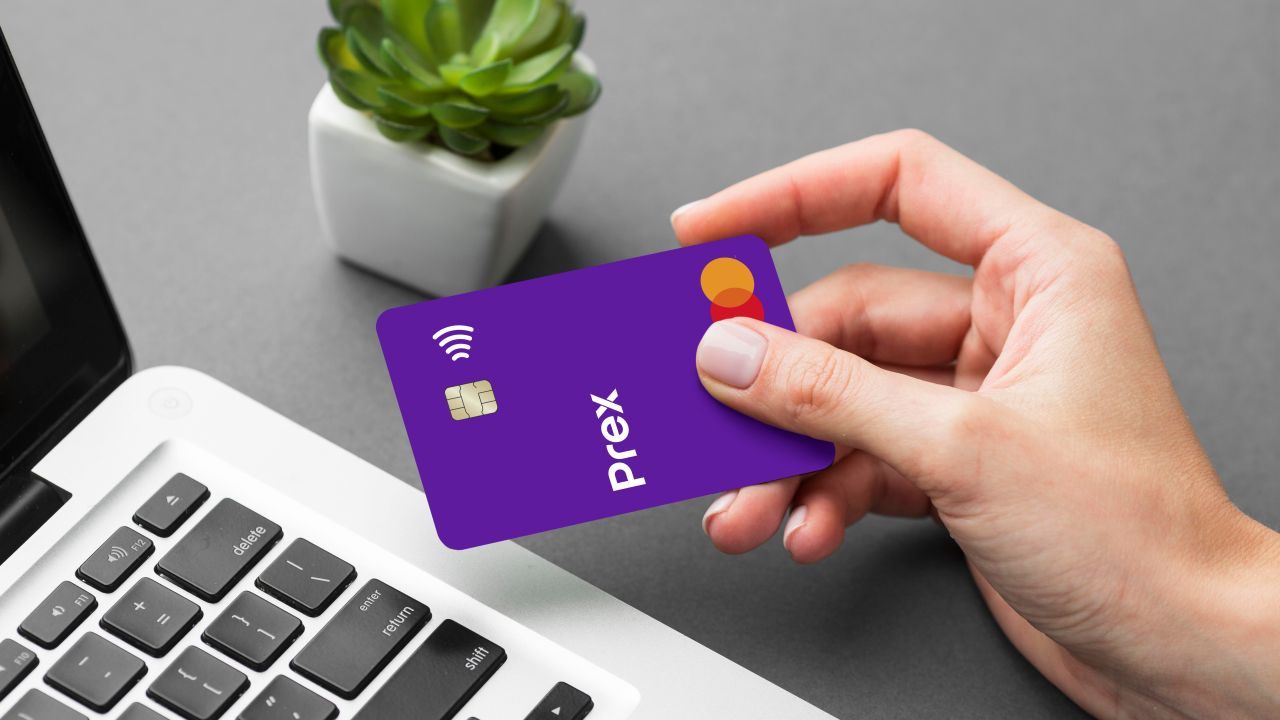
Prex is designed for beginners who want a clean start with digital money tools. The account is positioned as free, with no maintenance and no renewal cost.

You do everyday payments, transfers, and currency exchange inside one app. Funds are handled under a regulated electronic money model in Uruguay. If you want simpler budgeting, prepaid structure keeps you in control.
Low Cost Start With Clear Pricing
A reason to open Prex is cost control from day one. The published fee sheet lists $0 for application, $0 for annual cost, and $0 for maintenance.
That means you do not need high monthly spend to justify the account. You still pay specific transaction fees, but you avoid baseline account charges. For new users, that lowers risk while you learn the system.
Multi Currency Control In One App
Prex supports pesos and dollars, which helps with travel and online shopping. You can buy and sell dollars in the app at any time. If you pay in another currency, the platform explains that conversion rules apply.
This matters because you should know which balance will be debited. Review exchange details carefully before large purchases and keep a buffer.
Fast Transfers For Everyday Money Moves
Transfers matter because you can move money without bank hours, including weekends. Prex promotes instant transfers in the app, including Prex to Prex payments.
The fee sheet states that card to card giro is $0 and Prex to Prex transfers are free. Transfers to local banks can carry a stated fee, depending on currency. Start with small transfers and double check the recipient details.
Core Card and Account Features You Will Use Daily
The digital card matters because it makes the account usable in daily life. Prex issues a prepaid Mastercard, and the contract allows physical or virtual cards.
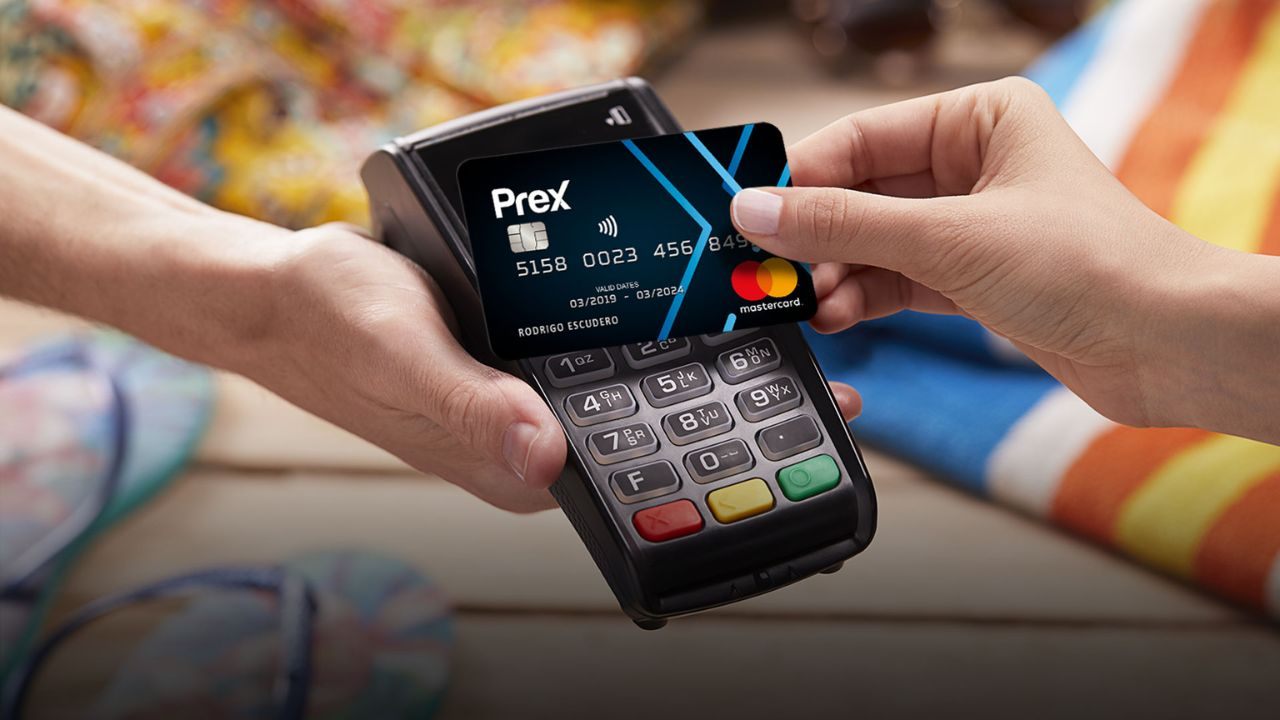
You spend online or in store, and the balance is debited immediately. That immediate debit helps you avoid revolving debt habits from credit cards. If you want strict budgeting, prepaid is a solid training tool.
Prepaid Mastercard Acceptance
With Mastercard branding, acceptance is the first feature you feel. Prex says you can buy in Uruguay and anywhere that accepts Mastercard.
That supports travel bookings, subscriptions, and local purchases with one payment method.
Because it is prepaid, a declined payment usually means you need to load more funds. Keep an eye on your balance before you shop to avoid friction.
Real Time Alerts and Card Controls
Security is not only about passwords, it is about fast visibility. Prex highlights real time transaction alerts inside the app. You can also block or unblock your account from the app when something looks wrong.
That is useful if you lose your phone or suspect card details were exposed. Turn on notifications and review alerts the moment they arrive.
Loading Funds and Getting Cash When Needed
Cash access helps when a merchant does not accept cards. Prex says you can load pesos or dollars from banks or Abitab, then spend. For ATM withdrawals in Uruguay, the fee sheet lists USD 3 plus IVA or $45 plus IVA per withdrawal.
Withdrawals in collection networks have a different listed fee. Use cash only when needed, because digital payments often cost less.
Fees, Rates, and Charges You Need to Know
You should understand costs before you open any financial product. Prex is prepaid, so it does not work like a credit line with revolving interest.
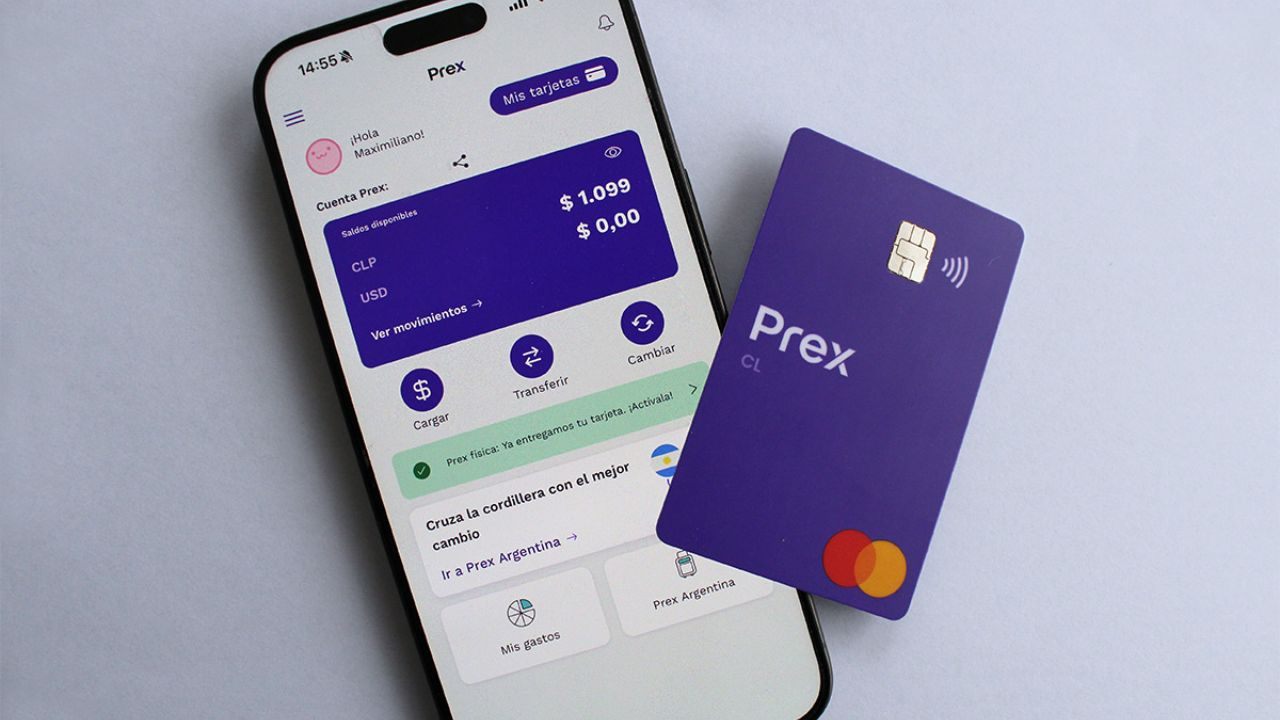
Your main costs come from cash withdrawals, international spending, and some small loads. If you mainly pay locally and avoid cash, fees can stay low. Use the official fee sheet to confirm every charge before you act.
Annual Fee, Maintenance, and Baseline Costs
Start with fixed fees, because they set your baseline. The fee sheet lists $0 to request Prex, $0 for annual renewal, and $0 for maintenance. It also lists $0 for low average balance and $0 for additional cards.
This is beginner friendly because light use does not trigger penalties. Your real cost depends on withdrawals and international activity monthly.
ATM Withdrawals and Cash Fees
Cash withdrawals can be expensive, so plan them carefully. For ATMs in Uruguay, the stated charge is USD 3 plus IVA when withdrawing dollars. If you withdraw local currency, the listed fee is $45 plus IVA each time.
Withdrawals abroad also show a USD 3 plus IVA fee, and the ATM owner may add more. Reduce fees by withdrawing less often and paying digitally.
International Spending and Small Load Charges
International spending can add fees, so read the formula first. The fee sheet lists 2.5% plus USD 0.50 plus IVA for some international transactions. It also lists a peso option with 2.5% plus $14 plus IVA in some cases.
Small loads can cost money, such as bank loads under USD 50 or $1,500. Larger loads are stated as free, so consolidate when you can.
What to Prepare Before You Apply
Preparation makes online onboarding fast and stress free before you start. Prex follows customer acceptance policies and due diligence rules tied to Uruguay regulation.
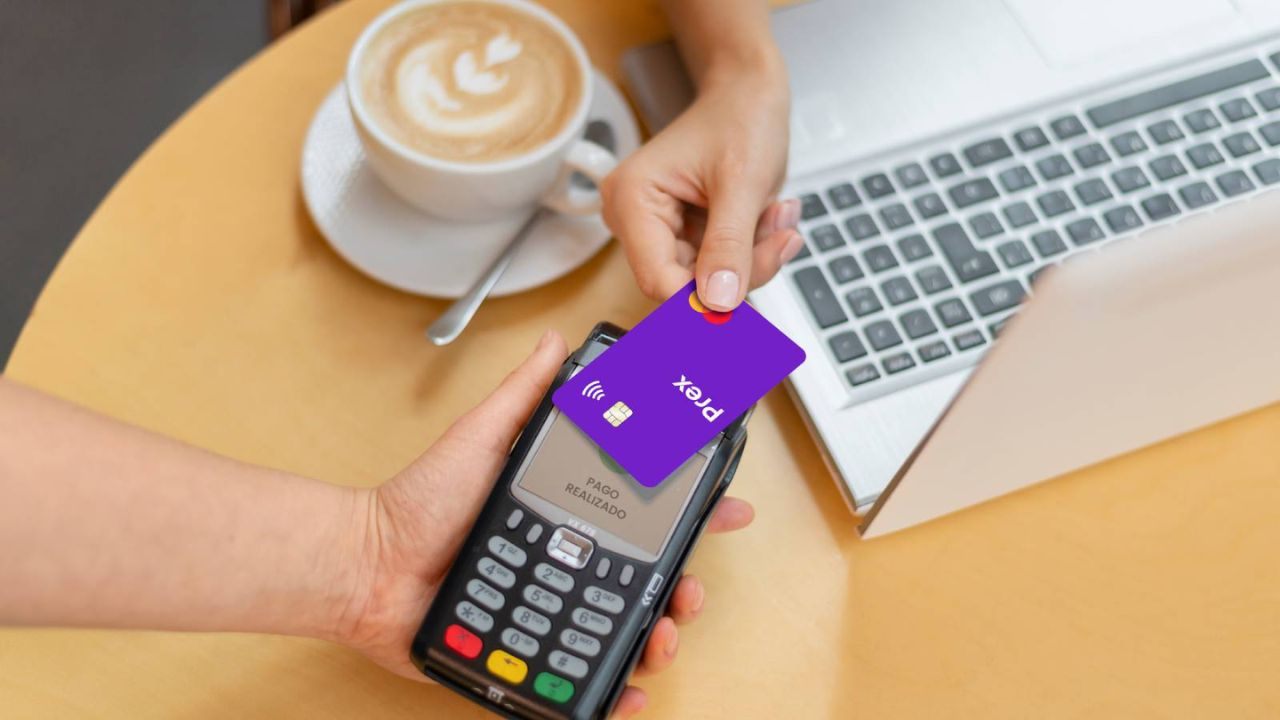
Be ready to provide accurate identity information and respond to verification requests quickly. You also need a smartphone, stable internet, and an email you can access. If you prepare these basics, you reduce errors and delays.
Personal Details to Enter Correctly
Your application data must match your real identity and contact details. Use your legal name, correct document number, and an email you check daily. Set a mobile number that can receive confirmation codes and security alerts.
If you change your number later, update it quickly so you do not lose access. Treat your profile as a financial record, not a casual sign up.
Verification and Account Limits
Limits matter because they affect how much you can load and spend. The terms reference a per load daily cap of USD 10,000 and an accumulated cap of USD 15,000.
They also note that higher limits may require extra information and verification. If you expect higher volumes, complete requested verification early to avoid blocks. Most new users can start small and increase later.
Security Steps to Set Up Immediately
Security setup is not optional, it is part of responsible use. The terms tell you to protect your credentials, update your PIN, and never share codes. They also recommend checking your card regularly and reporting errors fast.
Enable app lock, use a strong phone passcode, and avoid unknown Wi Fi networks. These steps reduce fraud risk and keep your balance protected.
How to Apply Online and Where to Get Support
Opening the account is simple, but you should go step by step. Prex directs you to download the app to open your account and request the card.
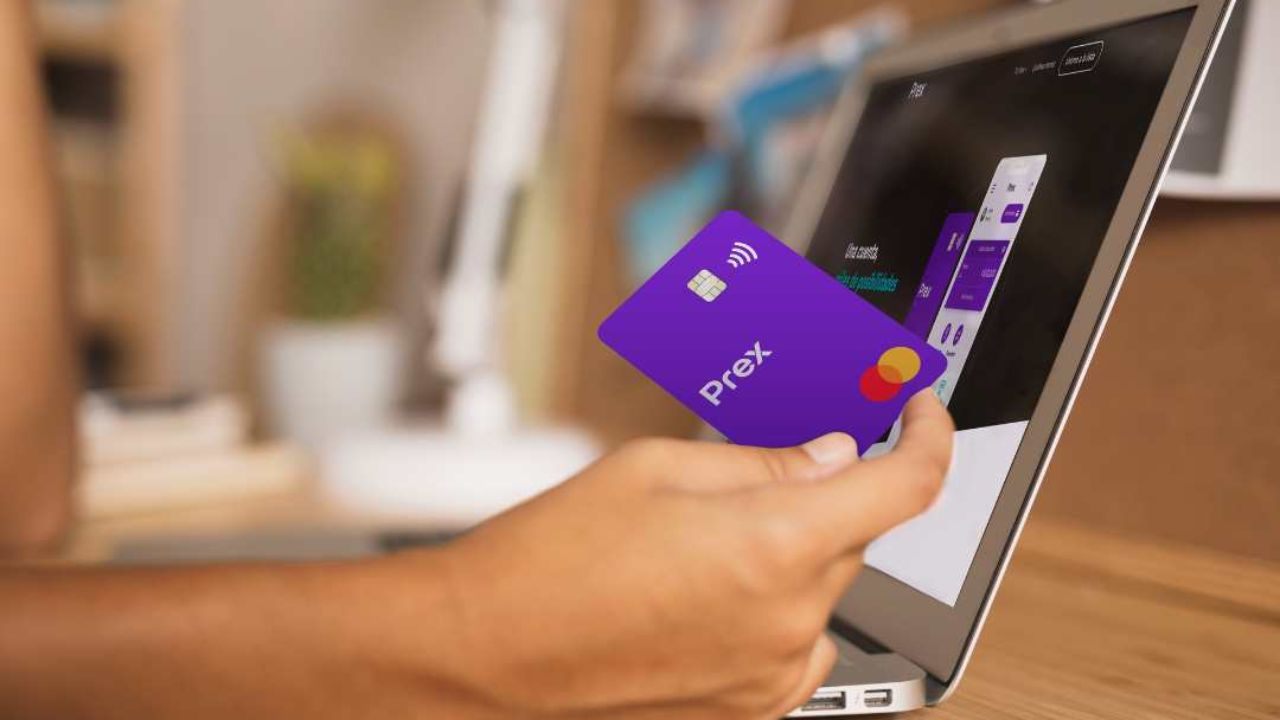
The site shows a three step flow: request, receive or pick up, then load funds. Follow that order so activation is smooth and you do not miss a step. After setup, save support channels for help.
Step by Step Online Application Guide
Download the Prex app and choose the option to request your account. Complete the form with your data carefully and submit any required verification. Choose card delivery or pick up, depending on what is available in your area.
After activation, load pesos or dollars from your bank or Abitab. Make a small purchase first to confirm everything works today.
Your First Week Checklist After Activation
Your first week should build confidence and clean habits. Set up transfers you will use, such as Prex to Prex or a bank transfer for bills. Review the fee sheet and decide when you will avoid cash withdrawals.
Turn on transaction alerts and check your balance after each purchase. If you see an issue, use app chat or email quickly.
Customer Service Hotline and Main Office Location
When you need help, use the official channels listed by Prex. For phone support, call 2623 7680, and for email, use info@prexcard.com. You can also contact support through the in app chat for quick questions.
The contract lists the legal main office address as Tomas de Tezanos 1263, Montevideo, Uruguay. Save these details now so you can act fast later.
Conclusion
Prex Uruguay digital account is a practical way to start with digital money. You get a prepaid Mastercard, multi currency balances, and fast transfers in one app. Fees stay lower when you avoid frequent cash withdrawals and understand international charges.
Prepare your identity details, finish verification when asked, and lock down security settings. If you want control without debt, Prex is worth considering.
Note: There are risks involved when applying for and using credit. Consult the bank’s terms and conditions page for more information.